1. Create Your Account
Sign up in seconds, no credit card required to explore.


First Name
e.g. John
Last Name
e.g. Doe
Contact Number
+1(555) 000-0000
Date of Birth
DD/MM/YYYY
Gender
Men
Address
Provide your address...





10,000 Trusted by members
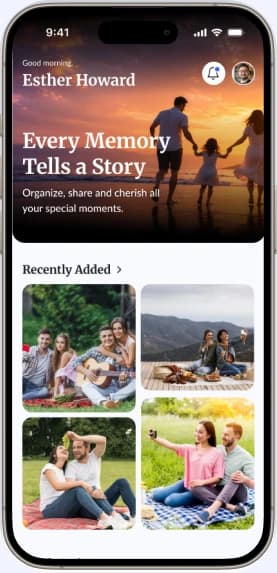
At End Box, we believe every life story deserves to be remembered and kept. Our platform provides a secure and meaningful space where families can store photos, videos, and treasured memories while staying connected across generations.
Whether it’s celebrating special milestones, sharing family stories, or honoring the legacy of a loved one, End Box helps create a lasting digital archive that can be cherished for years to come.
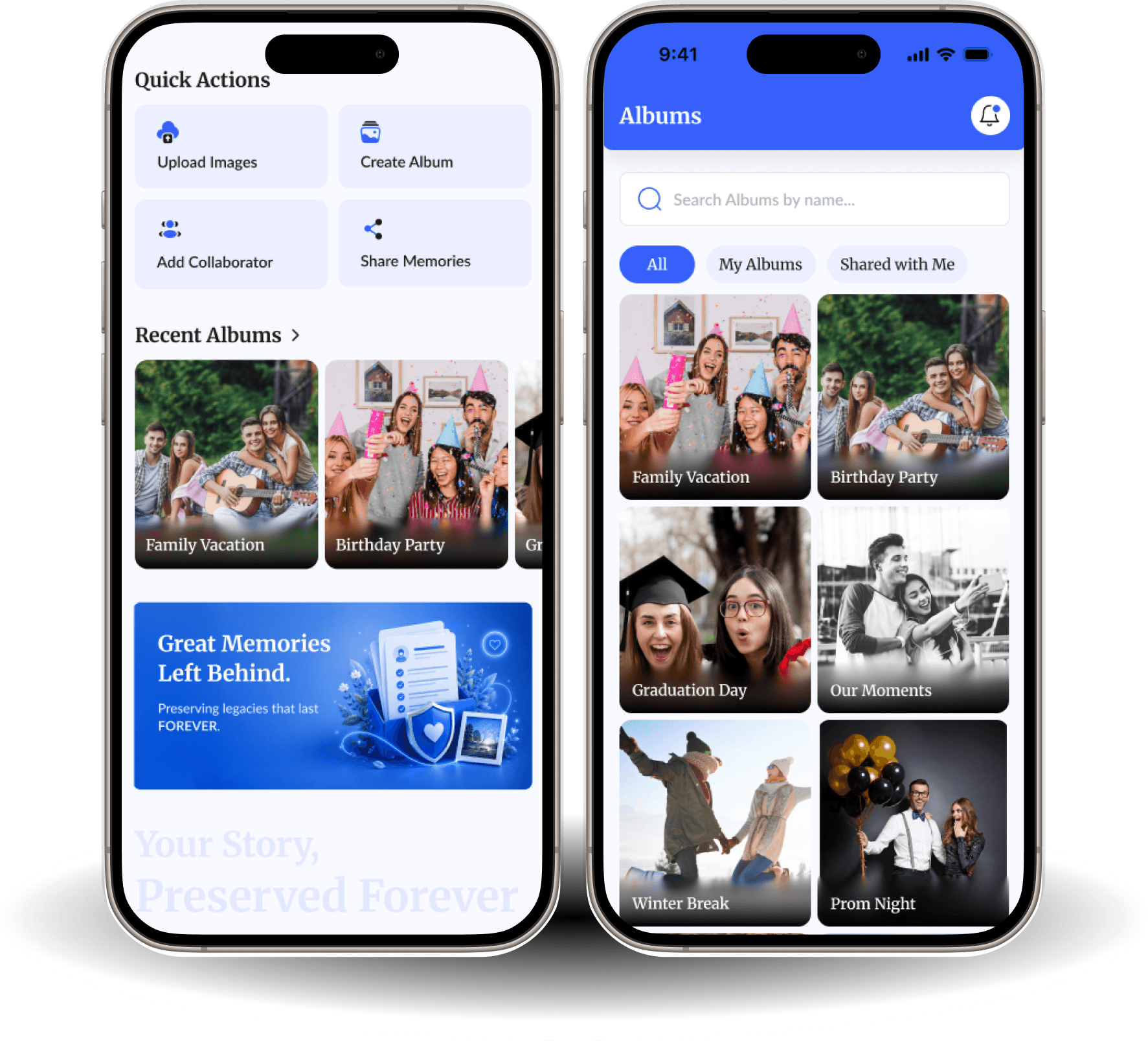
Through collaborative albums, memorial profiles, and secure cloud storage, we make it simple for families to preserve memories, celebrate life, and keep legacies alive.

1. Create Your Account
Sign up in seconds, no credit card required to explore.
First Name
Last Name
Contact Number
Date of Birth
Gender
Address

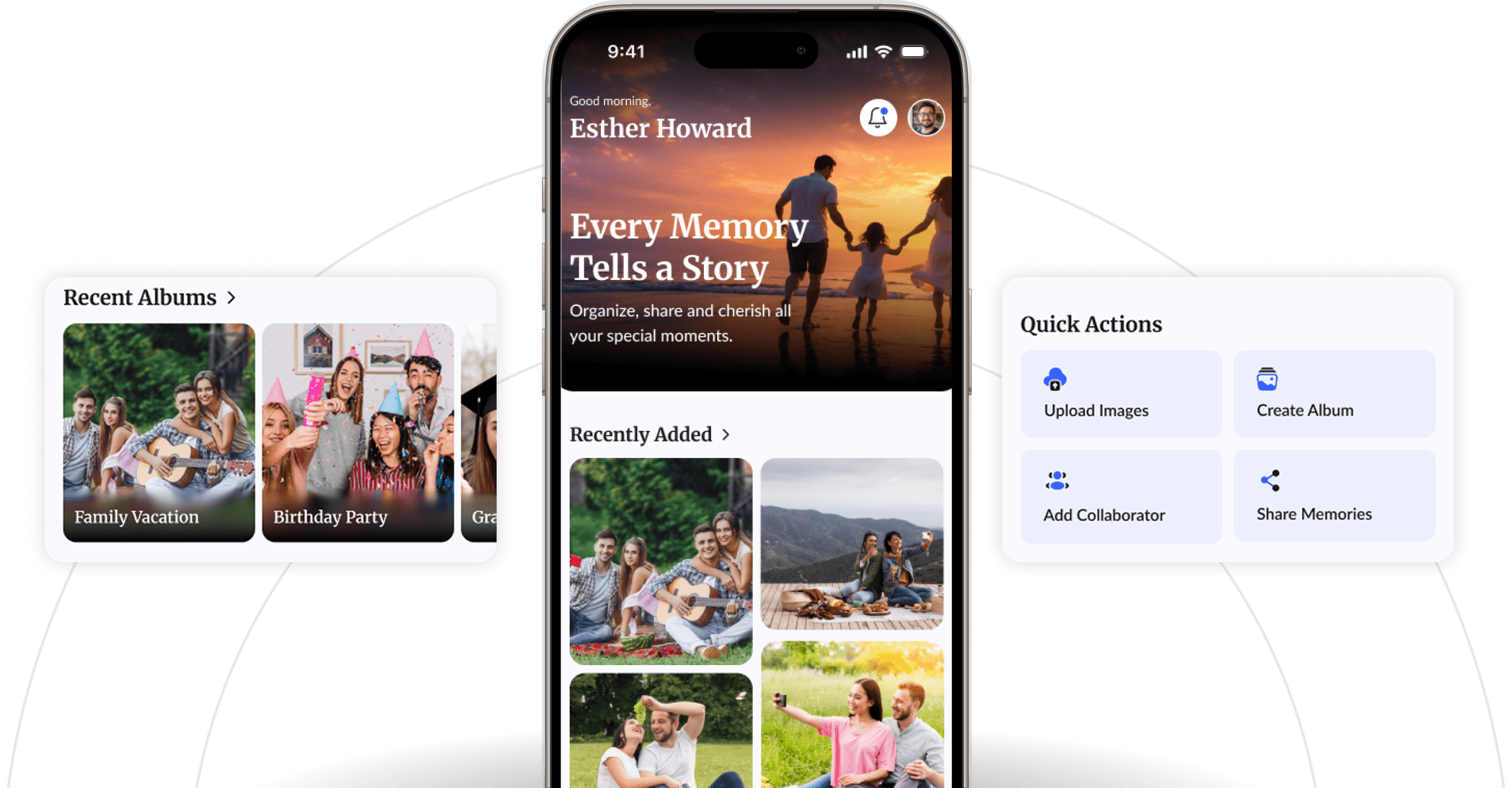
2. Upload Your Memories
Photos, videos — cloud-stored and always safe.

Support formats: .jpeg, .png, .mp4




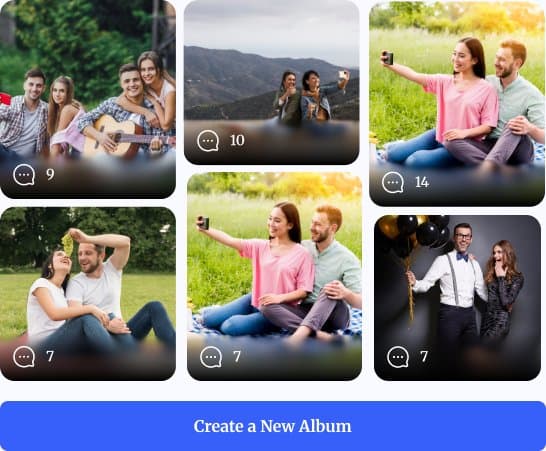
3. Build Family Albums
Group memories by moments, milestones, or loved ones.

4. Add Collaborators
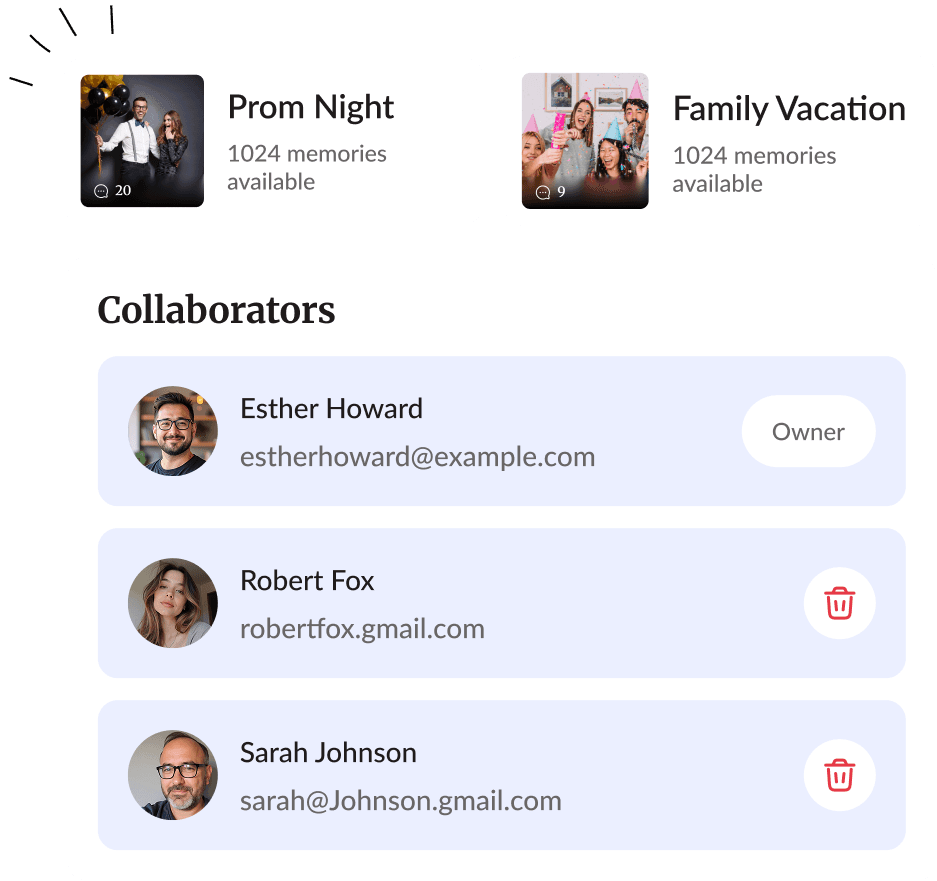
Add family and friends as collaborators to share and contribute.

5. Keep the Story Alive
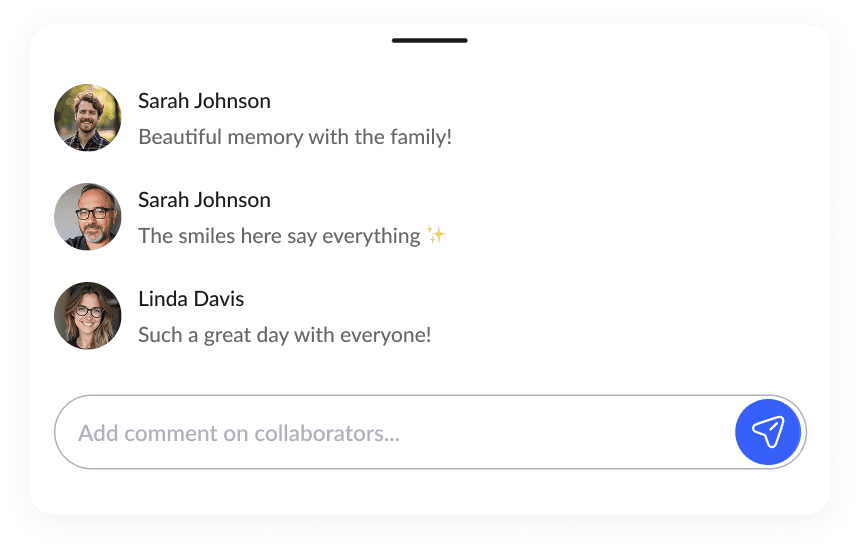
Comment, react, and revisit memories together, anytime.
6. Honor Their Legacy
When the time comes, family members can verify memorial mode to preserve the profile as a lasting tribute.
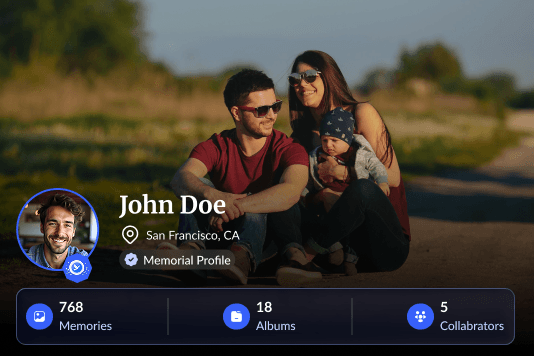



Begin the verification process to honor your loved one and create a memorial profile for their legacy.
Start a Memorial VerificationDownload the End Box app and access your memories anytime, anywhere.


End Box has given our family a secure place to store photos, videos, and stories that mean so much to us. It's comforting to know these memories will be preserved for future generations.
 Sarah Johnson
The shared albums and collaboration features make it easy for everyone in our family to contribute memories. It has brought us closer together, even when we're miles apart.
 Michael Davis
After losing a loved one, End Box provided a respectful and beautiful space where family and friends could share memories and tributes. It truly helped us honor their legacy.
 Emily Carter
My grandparents, parents, and kids all use End Box together now. It's the first app that everyone in our family actually enjoys using to stay connected.
 James Wilson
Knowing our photos and videos are backed up securely gives us real peace of mind. End Box made it simple to organize decades of memories in one place.
 Olivia Bennett
Download the EndBox app and enter your email — we’ll send you a one-time verification code, so there’s no password to remember. Once you verify it and complete your profile, you can start creating your first album right away, no credit card required.
Your memories stay safe. Changing plans never removes anything you've already saved — every album, photo and video stays exactly where it is, and you can keep viewing, sharing and downloading it. The free plan covers 2 albums, 10 memories per album and 1 collaborator per album; subscribing lifts those limits. If you move back to the free plan, the limits apply only to what you add next — you can keep adding to any album that's still under 10 memories, and subscribe again whenever you need more room.
Yes. Every album supports collaborators — the free plan includes 1 collaborator per album, and subscribing removes that limit so you can invite as many family members and friends as you’d like. You control what they can access, and you can remove a collaborator at any time.
If a loved one passes away, a family member can submit a death verification request — including a death certificate — through the app or our website. Once our team reviews and approves it, the account is converted into a memorial profile, preserving their photos, videos, and memories as a lasting tribute.
Yes. You can cancel whenever you like, and you’ll keep full access to your plan’s features until the end of your current billing period. After that, your account simply reverts to the free plan — none of your existing albums or memories are removed.